Don't choose between structured user flows and autonomous agents. Every Agent-Native app is both.
The agent and the UI are equal citizens of the same system. Every action works both ways — click it or ask for it.
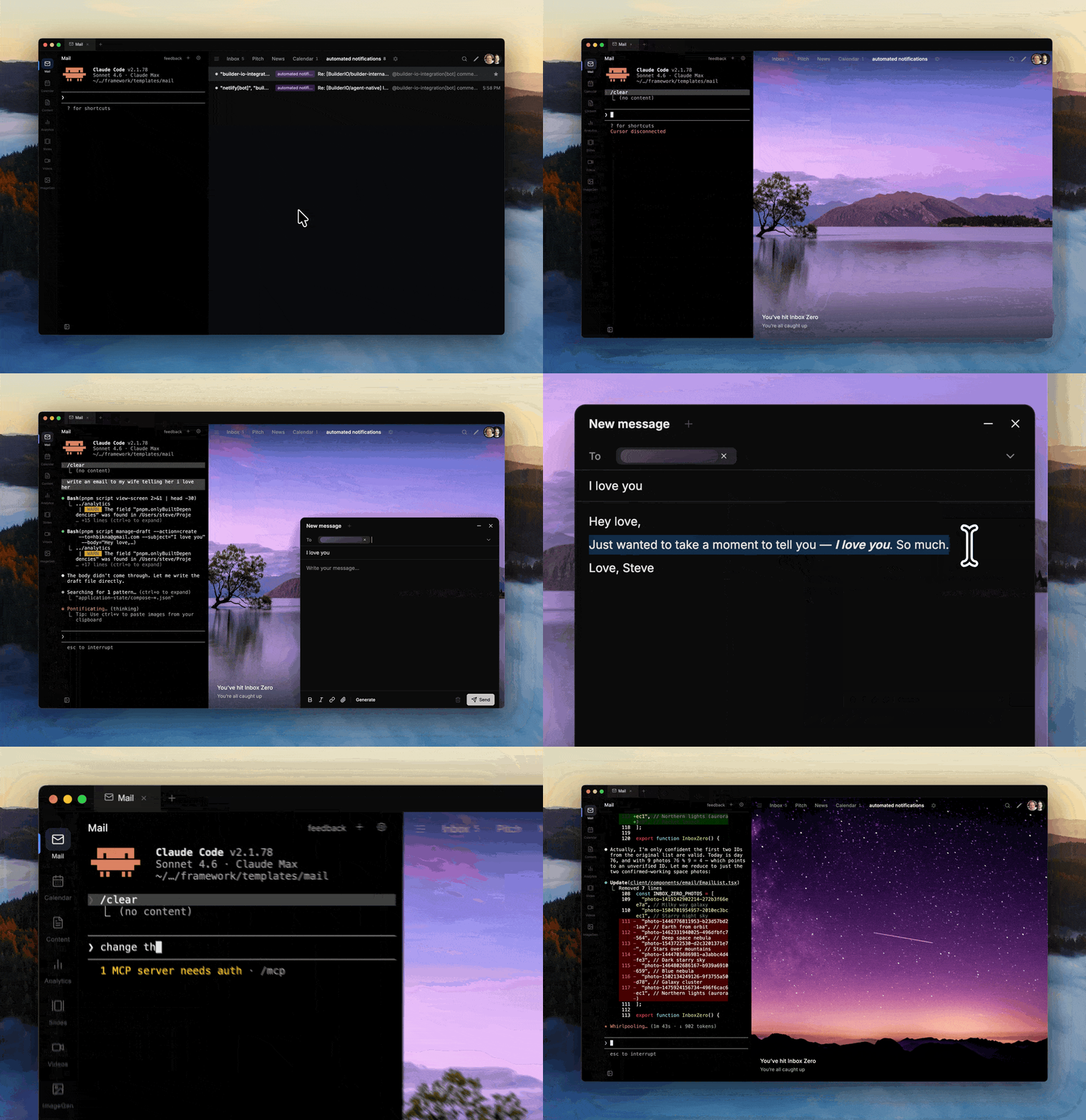
- Everything syncs — Agent and UI share one database and one state. Changes from either side show up instantly on the other.
- Context-aware — The agent knows what you're looking at. Select text, hit Cmd+I, and tell it what to do.
- Per-user workspace — Skills, memory, instructions, sub-agents, and MCP servers — SQL-backed, customizable per user. Claude-Code-level flexibility, SaaS-grade economics.
- Agents call agents — Tag another agent from any app. They discover each other over A2A and take action across your stack.
- Reusable integrations — Connect a provider once in Dispatch, keep secret values in the vault, then grant apps like Brain, Analytics, Mail, and Dispatch access to the shared account metadata and credential refs.
- Apps that improve themselves — Your apps get better on their own. The agent can add features, fix bugs, and refine the UI over time.
- Any database, any host — Any SQL database Drizzle supports. Any hosting target Nitro supports. No lock-in.
- Any AI agent — Claude Code, Codex, Gemini CLI, OpenCode, or Builder.io. Use whichever agent you prefer.
Start from a complete, production-grade SaaS app — cloneable, not scaffolded. Each one replaces tools you're paying for, except you own everything and can customize it however you want. Not demos; products.
|
Agent-Native Mail, Superhuman Superhuman-style email client with keyboard shortcuts, AI triage, and a fully customizable inbox you own. |
Calendar Agent-Native Google Calendar, Calendly Manage events, sync with Google Calendar, and share a public booking page with AI scheduling. |
Content Agent-Native Notion, Google Docs Write and organize content with an agent that knows your brand and publishing workflow. |
|
Slides Agent-Native Google Slides, Pitch Generate and edit React-based presentations via prompt or point-and-click. |
Video Agent-Native video editing Create and edit Remotion video compositions with agent assistance. |
Analytics Agent-Native Amplitude, Mixpanel Connect analytics data sources, prompt for real charts, and build reusable dashboards. Shared workspace connections can provide provider credentials, while Analytics still owns metrics, source-of-truth choices, and saved analyses. |
|
Clips Agent-Native Loom Record your screen with auto-transcripts, shareable links, and an agent that summarizes, captions, and edits clips on demand. |
Design Agent-Native Figma, Canva Create and edit visual designs by prompt or by hand, with the agent as your co-designer. |
Dispatch Mission control for agent-native apps Message, manage, and delegate to agents from Slack, Telegram, or the web. Dispatch is also the control plane for vault secrets, reusable provider connections, app grants, routing, memory, and approvals. |
|
Forms Agent-Native Typeform Generate forms from a prompt, branch logic with the agent, and own every response in your own database. |
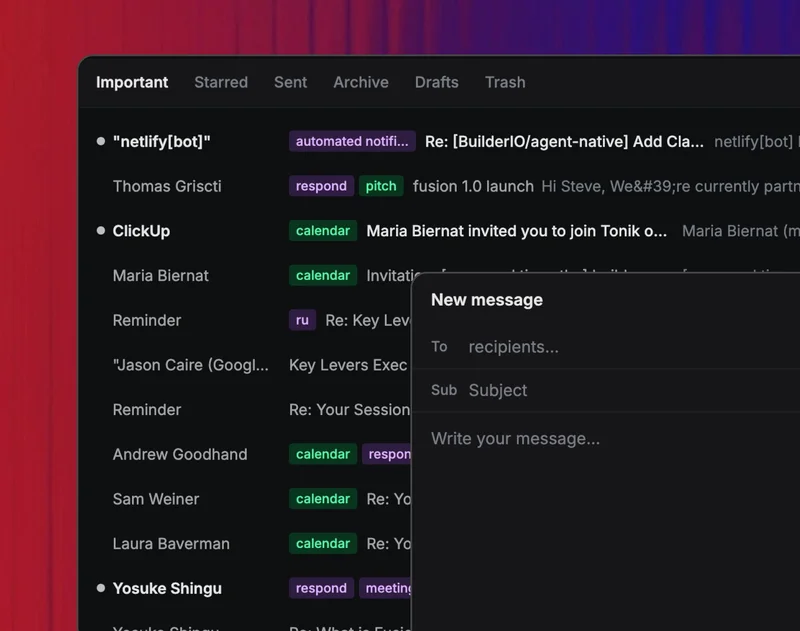
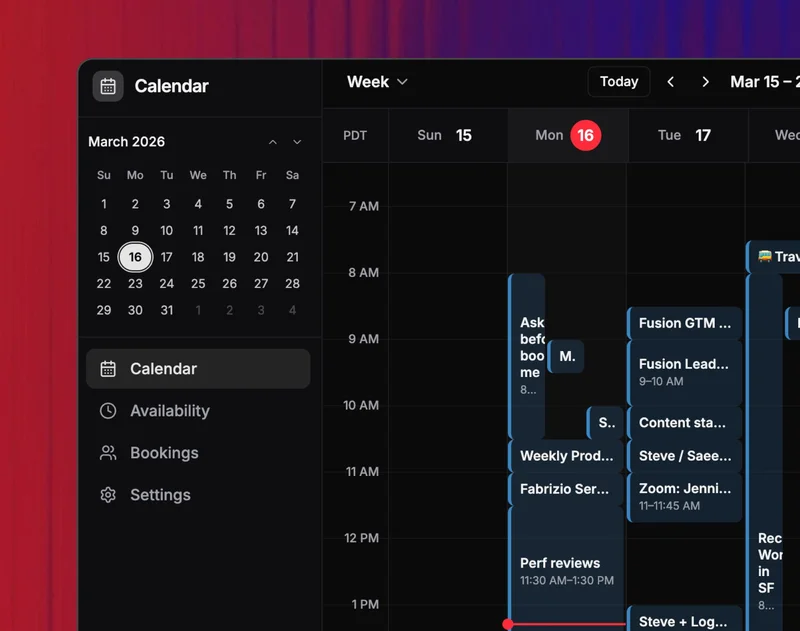
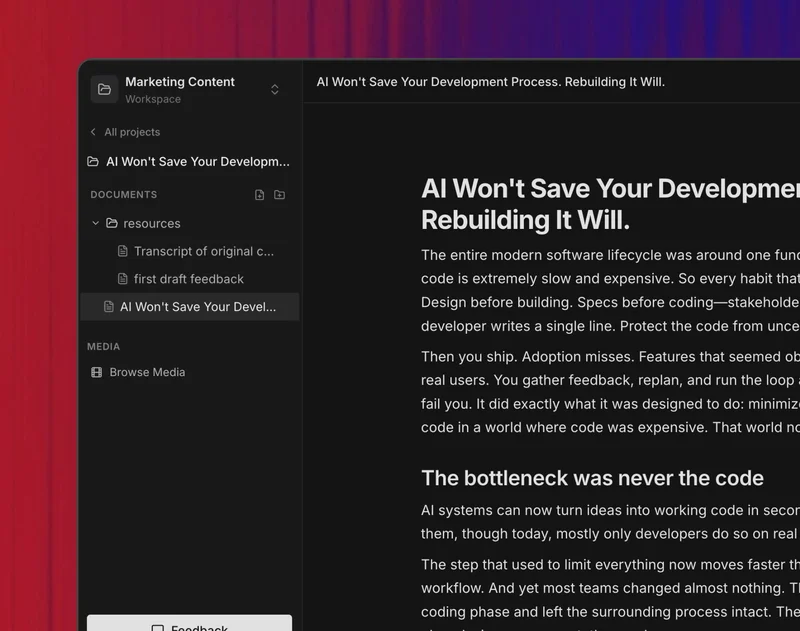
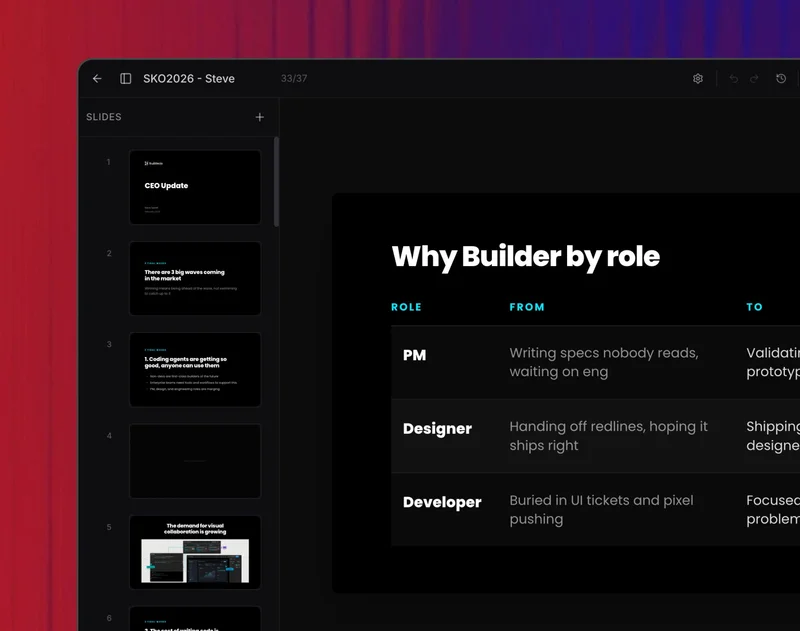
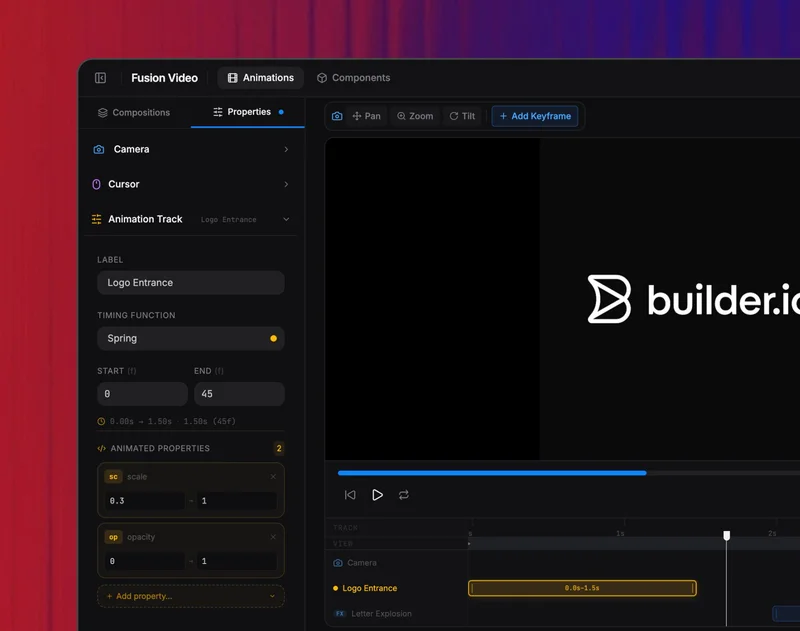
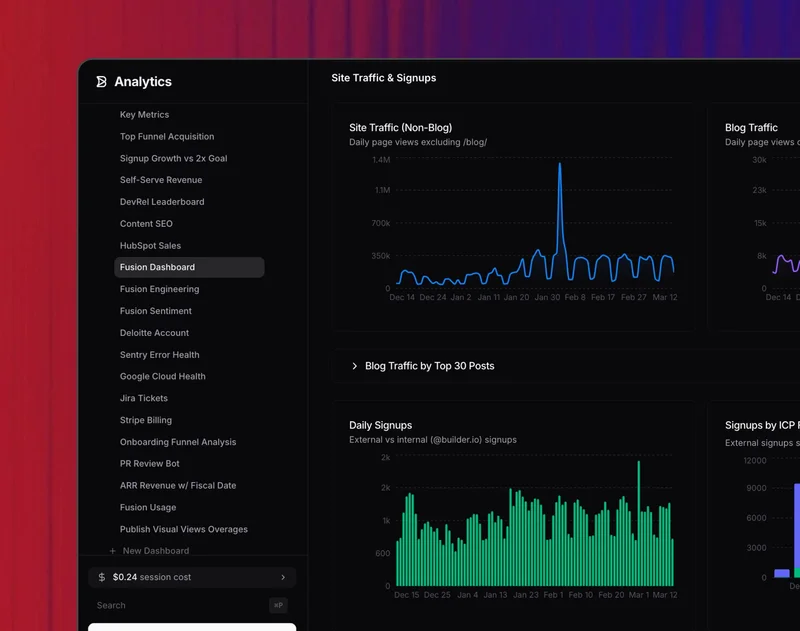
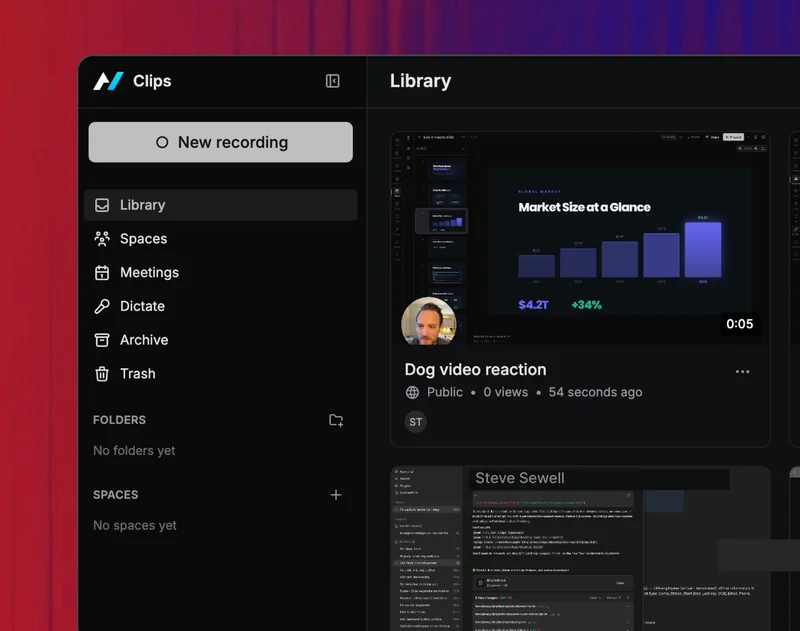
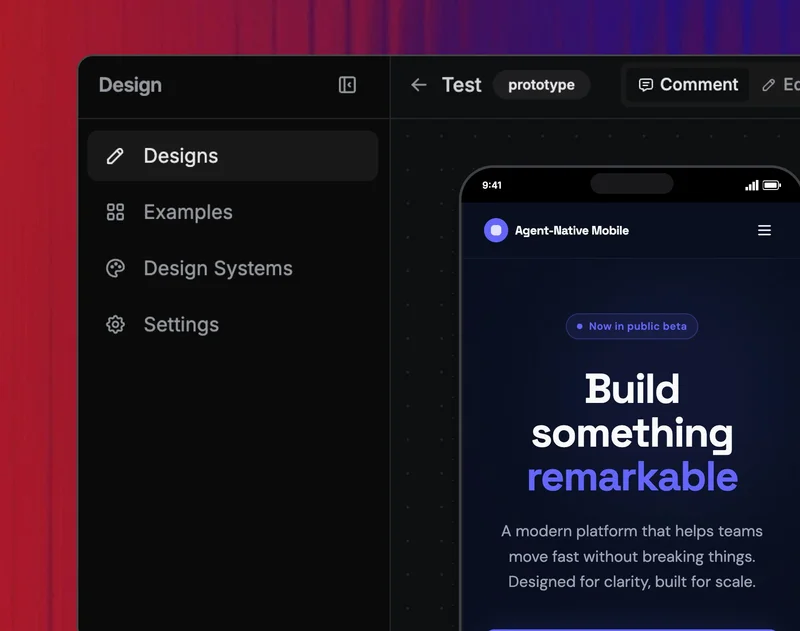
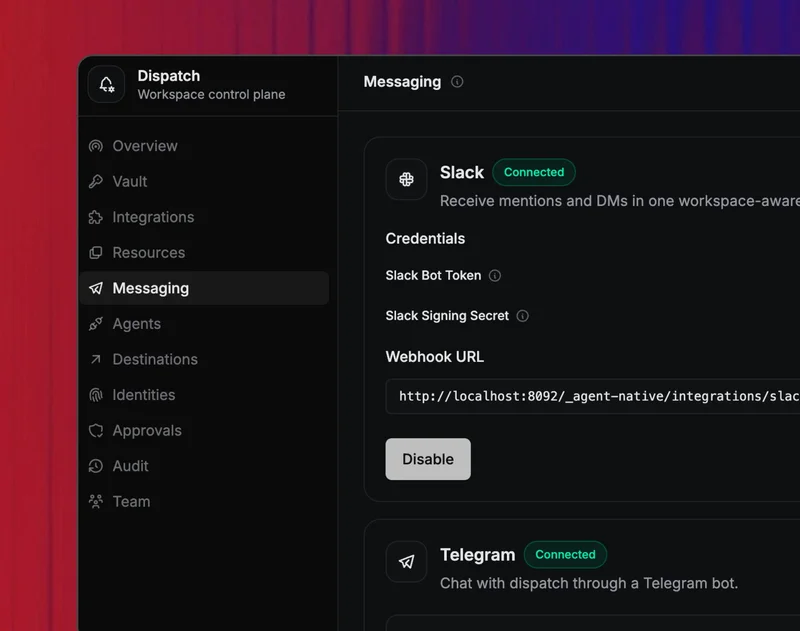
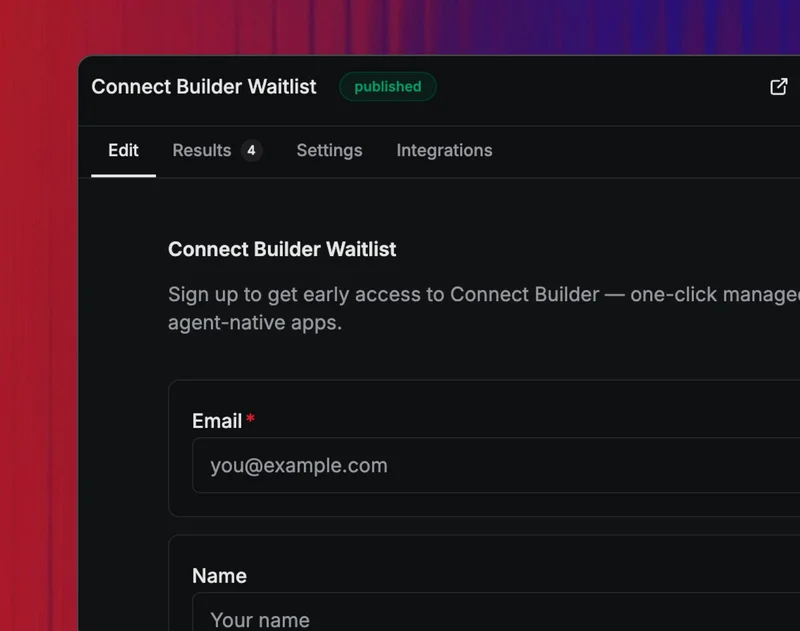
Every template is a complete cloneable SaaS — fork it, customize it with the agent, own it. Try them with example data before connecting your own sources.
npx @agent-native/core create my-platform
cd my-platform
pnpm install
pnpm dev
The CLI shows a multi-select picker so you can include as many templates as you want in one workspace. Pick Mail + Calendar + Forms and you get all three apps wired up and sharing auth in one go. Or browse the template gallery for live demos.
Want a single app, no monorepo? Use --standalone:
npx @agent-native/core create my-app --standalone --template mailNeed a coding agent workspace? agent-native or agent-native code opens an open-source Claude Code/Codex-like Code workspace with no prompt required. From there, type a task, run slash goals interactively, or call them directly from your shell:
npx @agent-native/core@latest
npx @agent-native/core@latest "fix the failing auth tests"
npx @agent-native/core@latest code
npx @agent-native/core@latest code "fix the failing auth tests"
npx @agent-native/core@latest code exec "fix the failing auth tests"
npx @agent-native/core@latest code -p "fix the failing auth tests"
npx @agent-native/core@latest code --plan "explain the auth test failures"
npx @agent-native/core@latest code --auto "fix the failing auth tests"
npx @agent-native/core@latest code /migrate ./my-next-app --out ../migrated-app
npx @agent-native/core@latest code /migrate ./my-next-app --emit ../migration-dossier
npx @agent-native/core@latest code list
npx @agent-native/core@latest code status --last
npx @agent-native/core@latest code attach --last
npx @agent-native/core@latest code logs --last
npx @agent-native/core@latest code stop --last
npx @agent-native/core@latest code ui
npx @agent-native/core@latest code approve --last
npx @agent-native/core@latest code resume --last
npx @agent-native/core@latest code --continue "check the auth edge cases next"
npx @agent-native/core@latest code resume --last "check the auth edge cases next"
Slash goals can run from the interactive shell or directly from the command line, and agent-native code goals shows the goals registered in your checkout. A bare prompt starts a local coding-agent session, streams work, records transcript/status/tool events, and accepts follow-up prompts; /migrate is one specialized capability inside that general Code workspace. Project-specific slash commands live in .agents/commands/*.md, so teams can add prompts such as /release-check or /migrate-commerce without changing the framework. Installed agent-native with no arguments launches the Code workspace; agent-native "fix tests" starts an Agent-Native Code task directly. Use agent-native create when you want to create apps or workspaces.
Working inside this repository? Use pnpm dev:cli ... to run the source CLI without building first, for example pnpm dev:cli --help or pnpm dev:cli code goals.
The Code workspace uses the familiar Codex/Claude-style session loop: pick a previous session, list runs, check status, attach to live output, print logs, stop work, resume with context, open the local UI, and continue the same run from Desktop or CLI. The Desktop Code tab, agent-native code ui, background sessions, and sub-agent sessions all converge on the shared run harness/controller model instead of separate ad hoc runners. The primary modes are intentionally simple:
- Plan mode (
--plan) inspects, explains, and proposes without writing files. - Auto mode (
--auto, default) edits files, runs checks, and only pauses for genuinely destructive file, git, publish, or data operations.
agent-native migrate still works as a direct shortcut; code /migrate is the Agent-Native Code entrypoint for the migration goal. By default it creates an Agent-Native Code session and portable migration dossier, not a scaffolded app/template. resume --last reopens the latest run handoff; adding a quoted prompt records it as a follow-up transcript event for that run so the next active coding agent can pick it up. If a high-risk command is paused for approval, code approve --last runs that one pending command and then points you back to resume the session. Use --app-surface only when you want the legacy hidden migration detail app for assessment, approval, tasks, artifacts, and verification.
Use --emit when you want only the portable dossier for Codex, Claude Code, Cursor, or another coding agent.
Agent-Native Code also includes lightweight goals such as /audit:
npx @agent-native/core@latest code /audit --url https://example.comA workspace is the default shape of an agent-native project. Every app sits under apps/, and packages/shared/ is available for the small amount of code, instructions, skills, or branding that should truly apply to every app.
my-platform/
├── package.json                   # declares `agent-native.workspaceCore`
├── pnpm-workspace.yaml
├── .env                           # shared secrets: ANTHROPIC_API_KEY, BUILDER_PRIVATE_KEY, A2A_SECRET, ...
├── packages/
│   └── shared/                    # optional shared custom code
└── apps/
    ├── mail/
    ├── calendar/
    └── forms/
Add another app later:
npx @agent-native/core add-app notes --template contentDeploy every app behind one origin:
agent-native deploy
# https://your-agents.com/mail/*       → mail
# https://your-agents.com/calendar/*   → calendar
# https://your-agents.com/forms/*      → forms
Same-origin deploy means a shared login session across every app and zero-config cross-app A2A — tag @mail from the calendar's agent chat and it just works (no JWT signing, no CORS). Full details at agent-native.com/docs/multi-app-workspace.
| SaaS Tools | Raw AI Agents | Internal Tools | Agent-Native | |
|---|---|---|---|---|
| UI | Polished but rigid | None | Mixed quality | Full UI, fork & go |
| AI | Bolted on | Powerful | Shallowly connected | Agent-first, integrated |
| Customization | Can't | Instructions and skills | Full, but high maintenance | Agent modifies the app |
| Ownership | Rented | Somewhat yours | You own the code | You own the code |
Join the Discord to ask questions, share what you're building, and get help.
Full documentation at agent-native.com.
MIT