OpenWebSheet is an open-source, web-based spreadsheet application. It runs in the browser, can be installed as a Progressive Web App (PWA), and stores spreadsheet documents in the project's .ows format.

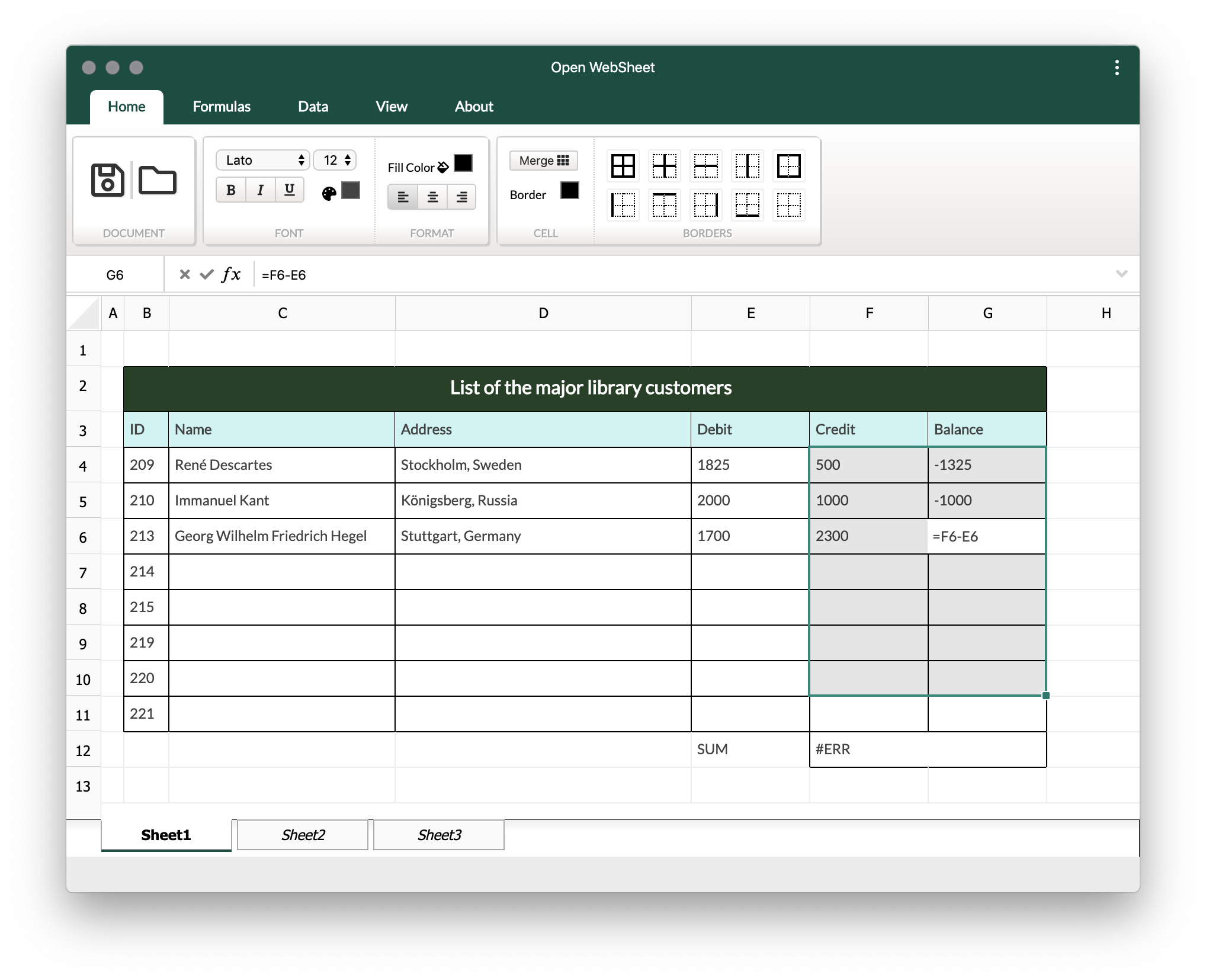
- Open the hosted app: https://code-by-sia.github.io/OpenWebSheet/
- Install the PWA using the install icon in the browser address bar.
- Download the sample file: https://code-by-sia.github.io/OpenWebSheet/DEMO.ows
- Use the folder/load icon in the app to open the sample
.owsfile.
- React application shell with shadcn-style controls
- Canvas-based spreadsheet rendering
- Basic cell content editing
- Borders
- Merge and split cells
- Basic formula support
- Import/export support for the native
.owsformat - PWA support
- Basic structure
- Canvas rendering
- Basic content editor
- Borders
- Merge and split
- Formula and expressions
- Basic support
- Advanced features
- Import/export
- Mathematical formulas
- OpenOffice/OpenDocument format support
- Advanced UI features
Install dependencies:
npm installStart the development server:
npm run devBuild for production:
npm run buildRun type checking:
npm run typecheckRun unit tests:
npm testRun Storybook for isolated UI development:
npm run storybookAdditional documentation is available in the docs/ directory:
- Create an issue or choose an existing one.
- Create a focused branch for the change.
- Keep changes small and reviewable.
- Run tests, type checking, and the production build before opening a pull request.
- Update documentation when behavior, setup, or architecture changes.
OpenWebSheet is released under the MIT License.